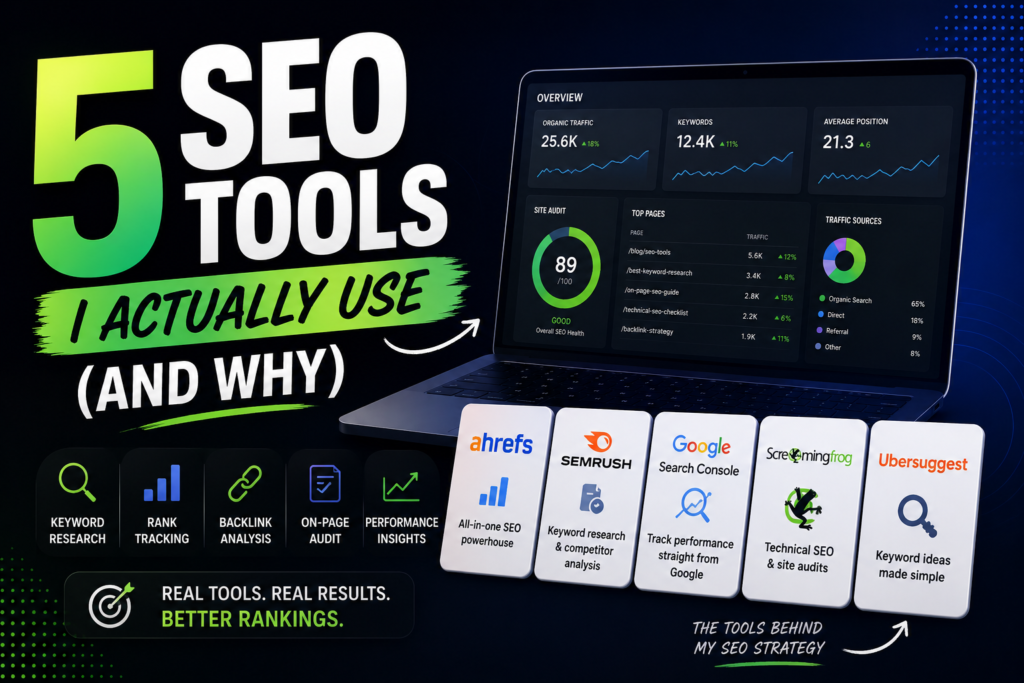
Every year the list of “best SEO tools” articles grows longer, and almost none of them reflect what people actually use. They reflect what has the most generous affiliate program or the highest domain authority for the target keyword. I’ve written this one differently: these are the tools that appear in my actual work, recommended to clients, and kept in my paid subscriptions because they justify the cost month after month.
One thing before we start: SEO tools amplify good strategy and can’t compensate for a bad platform foundation. If you haven’t yet chosen a website builder or CMS, the Best Website Builders guide covers which platforms give you the best SEO headroom.
A Note on How I Use SEO Tools
I don’t use every tool on this list for every project. The stack I actually operate looks like this:
- Discovery phase (new client, new site): keyword research tool + competitor analysis
- Audit phase: technical crawler + GSC data
- Content production: content optimization tool
- Ongoing monitoring: rank tracker + GSC
The tools below map onto these phases. You don’t need all five from day one.
1 – Moz Pro
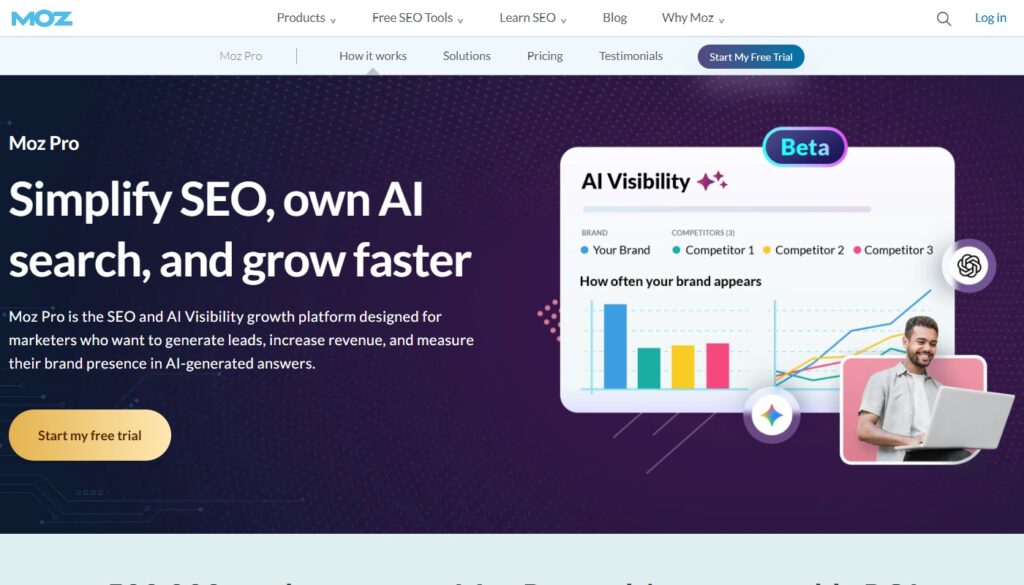
Most actionable for beginners and mid-level SEOs. Best interface for translating data into decisions.
Moz Pro is the SEO tool I recommend first to clients who are capable and motivated but not professional SEOs. The reason is the interface: where Ahrefs and Semrush provide enormous datasets with relatively dense UIs, Moz Pro is designed to surface actionable recommendations rather than raw data. The Keyword Explorer provides Page Authority and Domain Authority scores that, despite industry criticism of PA/DA as metrics, are practically useful for quickly assessing competitive difficulty.
The Campaigns feature is the most useful structured SEO management tool I’ve seen at this price point. You set up a campaign for your site, define your target keywords, and Moz tracks rankings, on-page optimization scores, and link metrics in a single organized dashboard. For clients who want to understand their SEO status without drowning in data, Campaigns make the situation legible.
Link Explorer – Moz’s backlink tool – is strong, if not quite as comprehensive as dedicated link databases. For most non-agency use cases, the coverage is sufficient.
The MozBar Chrome extension deserves special mention: a free overlay that shows DA, PA, and spam scores directly on search results pages and any URL you visit. Even if you don’t subscribe to Moz Pro, MozBar alone is worth installing.
- Price: From $99/mo (Starter); $179/mo (Standard); $299/mo (Medium)
- Best for: Small business owners, in-house marketers, SEOs who want structured workflows over raw data
- Pros: Best UI for non-specialists, strong Campaigns feature, useful Chrome extension, responsive support
- Cons: Backlink database smaller than dedicated link tools; keyword database coverage slightly lower than top competitors
2 – SE Ranking
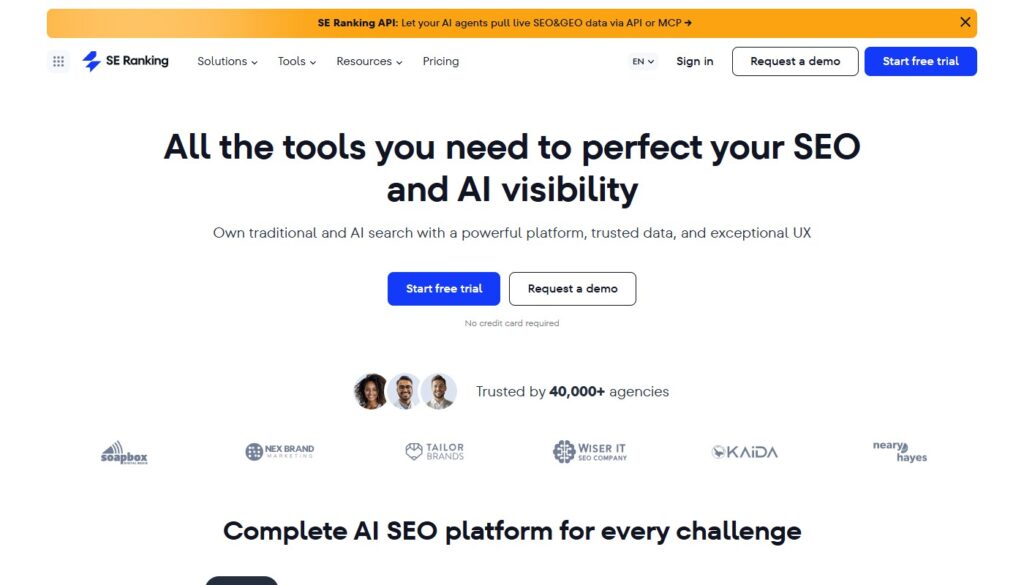
Best value professional-grade SEO platform. Covers every core function at a fraction of Ahrefs pricing.
SE Ranking is the tool I recommend to clients who need the full set of professional SEO capabilities – keyword research, rank tracking, backlink analysis, site audit, competitor research – but can’t justify $130+/month for Ahrefs or Semrush. SE Ranking provides all of these features at pricing that starts well below the big platforms, with data quality that competes meaningfully for most practical use cases.
The rank tracking is where SE Ranking genuinely excels. Tracking frequency is configurable (daily, every three days, weekly), geographic granularity goes to city level, desktop and mobile rankings are tracked separately, and the historical charts are clean and easy to interpret. For clients where local ranking visibility is the primary KPI, SE Ranking’s tracking depth rivals much more expensive tools.
The site audit module is comprehensive, the keyword research covers volume, difficulty, and SERP feature data, and the competitor research tools let you see organic keywords and estimated traffic for any domain. The interface has improved significantly in recent versions – it no longer feels like a budget alternative.
- Price: From $55/mo (Essential); $109/mo (Pro); scales with tracking volume
- Best for: Freelancers, small agencies, small businesses needing professional SEO data without enterprise pricing
- Pros: Best value full-feature SEO platform, excellent rank tracking, solid site audit, improving keyword database
- Cons: Backlink database not as deep as Ahrefs; some data accuracy gaps on lower-volume keywords
Building content using SE Ranking data? Pair it with the content optimization tool covered below for better results.
3 – Screaming Frog SEO Spider
The technical SEO industry standard. Irreplaceable for site audits.
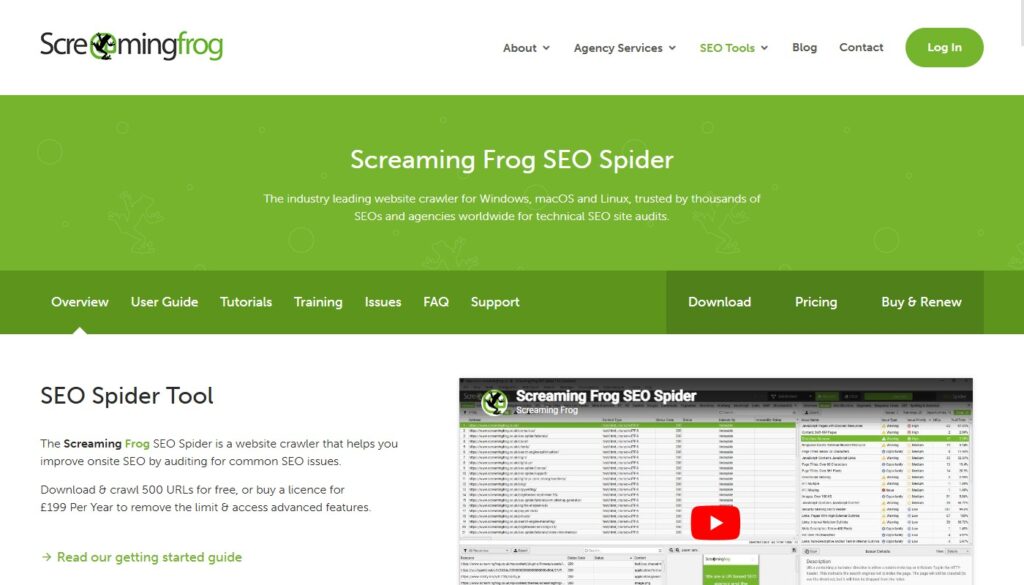
Screaming Frog is a desktop application, not a SaaS platform, which makes it unusual on this list. You download it, point it at a URL, and it crawls the site exactly as a search engine would – surfacing broken links, redirect chains, duplicate content, missing meta tags, thin pages, hreflang errors, canonical issues, and hundreds of other technical problems.
The reason Screaming Frog appears in my actual workflow rather than any cloud-based audit tool is speed and depth. For a site with 500+ pages, Screaming Frog completes a comprehensive crawl faster than any SaaS tool I’ve used, with more granular output and better filtering capabilities. The ability to connect directly to Google Analytics, Google Search Console, and PageSpeed Insights during the crawl and pull that data into the same export makes cross-referencing issues significantly faster.
For anyone doing serious technical SEO – agencies, in-house SEO teams, consultants – Screaming Frog is standard equipment. The free version (up to 500 URLs) is sufficient to understand if the paid version is worth it for your use case.
- Price: Free up to 500 URLs; £259/year (~$320) for unlimited
- Best for: Technical SEO professionals, agencies, in-house SEO teams, any site with 100+ pages
- Pros: Most thorough technical crawl available, integrates with GA/GSC/PageSpeed, fast, one-time annual fee
- Cons: Desktop application (not cloud-based); steeper learning curve; not suitable for non-technical users
📌 Technical SEO is only half the equation. The Build Your First Website guide covers structural decisions that affect technical SEO from day one.
4 – Mangools (KWFinder)
Best keyword research tool for the price. Cleanest interface in the category.
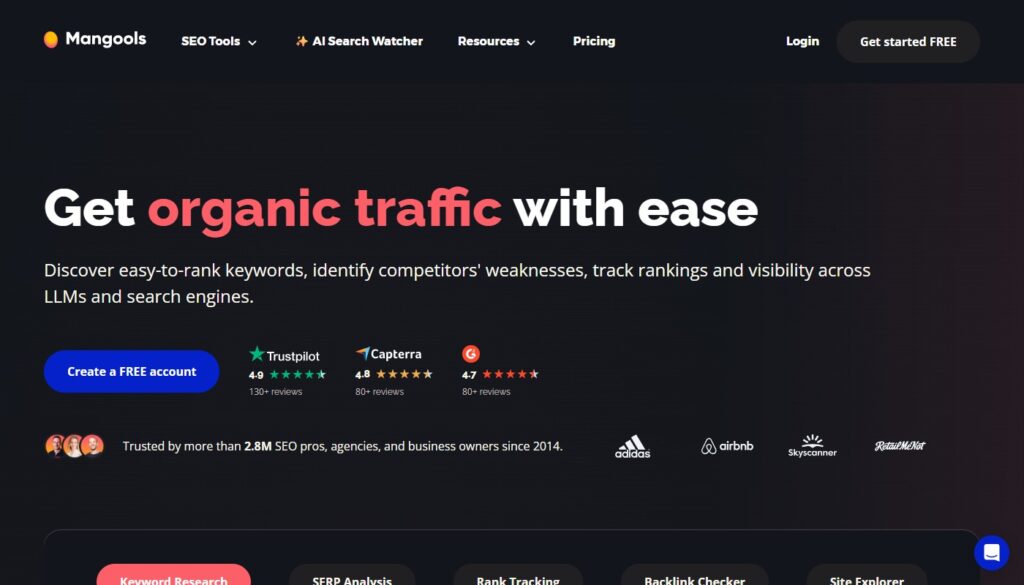
Mangools is a suite of five SEO tools – KWFinder (keyword research), SERPChecker (SERP analysis), SERPWatcher (rank tracking), LinkMiner (backlink research), and SiteProfiler (domain overview) – at a combined price point that undercuts most individual tools from larger platforms.
KWFinder is the standout: the cleanest keyword research interface I’ve used, with accurate search volume data, a keyword difficulty score that’s genuinely predictive rather than just calculated, and a beautiful SERP preview that shows the top 10 results for any keyword alongside their domain metrics. For anyone who does a lot of keyword research and values not spending ten minutes per keyword interpreting cluttered dashboards, KWFinder’s UX is a genuine productivity advantage.
SERPWatcher handles daily rank tracking cleanly. LinkMiner covers basic backlink research for competitive analysis. SiteProfiler gives a quick domain overview. For bloggers and small business SEOs who want a capable, pleasant-to-use toolkit without the complexity of enterprise platforms, Mangools is the best fit I’ve found.
- Price: From $29/mo (Entry); $44/mo (Basic); $89/mo (Agency)
- Best for: Bloggers, freelancers, content marketers who do frequent keyword research
- Pros: Best keyword research UX, accurate difficulty scores, clean SERP preview, competitive pricing
- Cons: Backlink database smaller than Ahrefs; SERPWatcher tracking volume limited on lower plans
5 – SpyFu
Best for competitive intelligence. Especially strong for PPC research.
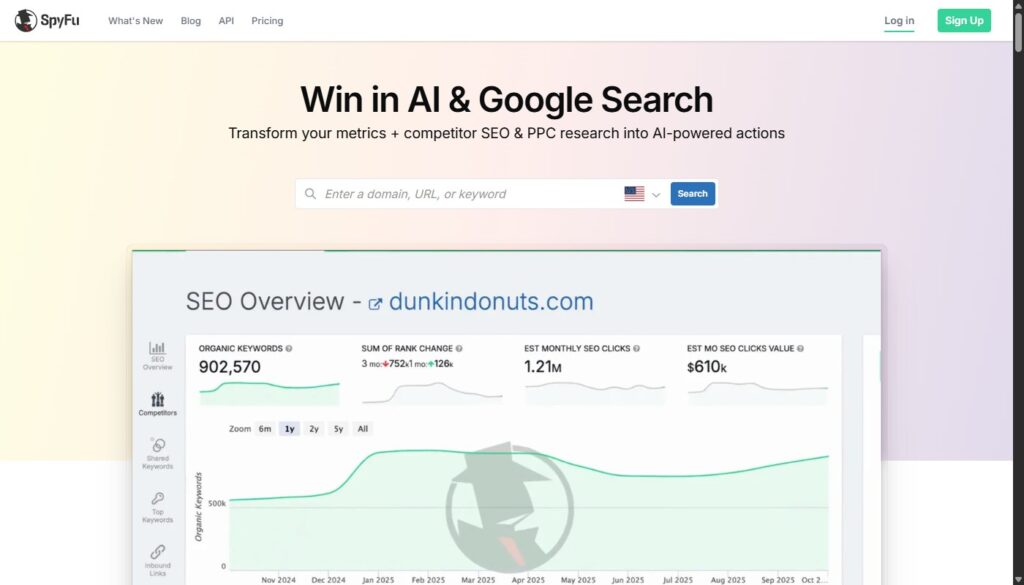
SpyFu does something no other tool on this list does as well: it gives you a comprehensive historical record of any domain’s paid and organic search activity. You can see every keyword a competitor has ever ranked for, every ad they’ve run, the ad copy they tested, their estimated monthly click budget, and how all of this has changed over time. The historical depth goes back over a decade for established domains.
For businesses running Google Ads alongside organic SEO, SpyFu’s PPC intelligence is indispensable – you can see exactly which keywords your competitors are bidding on and what copy is working for them before spending a cent of your own budget. For organic research, the Kombat tool (which shows keyword overlap between three competing domains simultaneously) surfaces content opportunities faster than any other approach I’ve used.
The pricing is a genuine anomaly – SpyFu offers unlimited searches, unlimited data exports, and full historical data access at every plan tier. No usage limits. This makes it one of the best value tools in SEO for the specific use cases it covers.
- Price: From $39/mo (Basic); $79/mo (Professional)
- Best for: Businesses running PPC + SEO, competitive intelligence focus, agencies analyzing competitors
- Pros: Best historical competitive data, PPC intelligence, unlimited exports, Kombat overlap tool
- Cons: Primary research database (keyword volume, difficulty) less comprehensive than Ahrefs for pure organic work
Stack by Budget and Role
| Budget | Recommended Stack |
| Free only | Google Search Console + MozBar extension |
| Under $30/mo | Mangools Entry plan + GSC |
| $80–110/mo | SE Ranking + Screaming Frog annual |
| $150–200/mo | Moz Pro + Screaming Frog + SpyFu |
| Agency-level | SE Ranking + Screaming Frog + SpyFu + Mangools |