

Every website needs a way for visitors to take action. But “contact us” forms are the lowest common denominator of lead capture – they tell you nothing about who the person is, what they need, or whether they’re worth following up. The best form and calculator tools do something more interesting: they qualify, personalize, and convert.
This list covers the tools I actually recommend and implement. The emphasis on calculator tools is deliberate – it’s the most underutilized category in this space, and for service businesses in particular, nothing I’ve tested generates better-quality leads.
All five tools below integrate with the platforms covered in the Top 5 Website Builders guide. If you’re still choosing your platform, that’s the right starting point.
Why the Form vs. Calculator Distinction Matters
A contact form asks for information. A calculator gives information in return for it.
That exchange changes the visitor’s experience entirely. Instead of “fill this out and someone will eventually call you,” a calculator says “tell me about your project and I’ll show you what it costs right now.” The second experience filters out unserious inquiries, sets realistic expectations, and creates a warmer, pre-qualified lead. I’ve seen calculator implementations on service business sites consistently outperform contact forms on lead-to-conversion rate by a factor of two or more.
1 – Paperform

Most versatile. Best combination of form and landing page in one tool.
Paperform is the most design-flexible form builder I’ve used. Where most form tools produce forms that look like forms, Paperform produces forms that look like landing pages – with custom fonts, images, video embeds, and rich text interspersed between questions. The result feels closer to a designed page than a data collection interface, which matters for completion rates.
The product logic goes deep: conditional fields, calculation fields (for building basic quote tools within a form), payment collection via Stripe and PayPal, digital product delivery, appointment scheduling, and a product catalog feature for lightweight e-commerce. Paperform handles a wider range of use cases than any other tool on this list.
The template library spans medical intake forms, event registrations, product order forms, client intake questionnaires, and more – with a quality level that shows actual design attention rather than functional-but-ugly defaults.
- Price: From $24/mo (Essentials); $49/mo (Pro); $159/mo (Agency)
- Best for: Freelancers, consultants, service businesses needing polished forms and payment collection
- Pros: Best-in-class design flexibility, calculation fields, payment collection, wide use case coverage
- Cons: More expensive than basic form builders; calculation features are simpler than dedicated calculator tools
→ See also: Top 5 Online Marketing Tools – Paperform integrates with most major email platforms via Zapier
2 – Formidable Forms
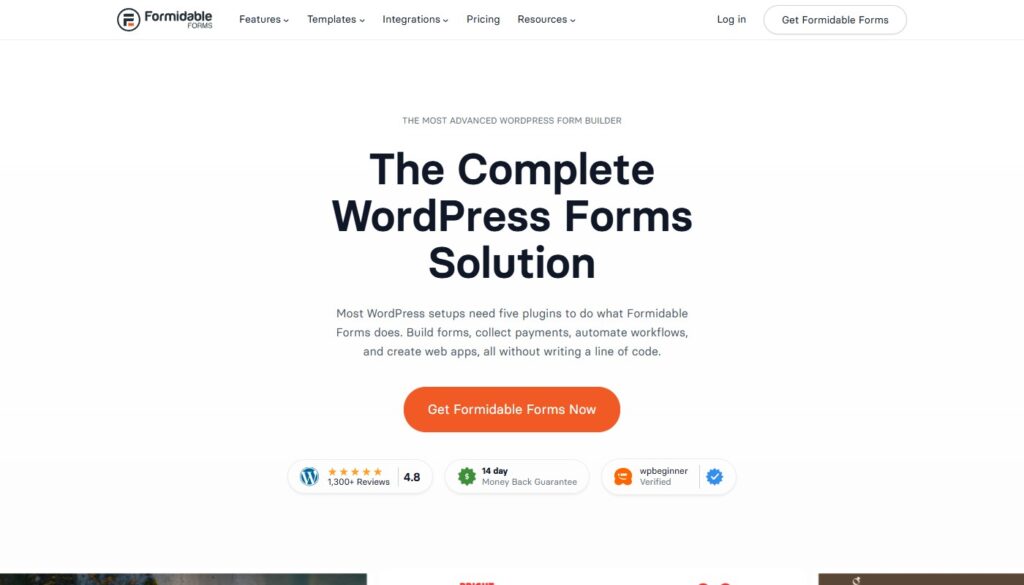
Best for WordPress users who need calculation and data management beyond basic forms.
Formidable Forms is a WordPress plugin with a specific and valuable niche: complex forms that include calculation logic, data display, and front-end data management. Where most WordPress form plugins stop at collecting submissions and emailing them to you, Formidable can build front-end calculators, directory listings, and user-submitted content displays from a single form.
The calculation builder is genuinely capable – you can create mortgage calculators, fitness calculators, cost estimators, and custom quote tools using a visual formula editor that doesn’t require coding. Results can display inline in the form, in a confirmation page, or in a custom styled block elsewhere on your site.
For WordPress developers and technically comfortable site owners, Formidable’s power-to-price ratio is exceptional. The Views feature – which lets you display submitted data as searchable tables, directories, or custom templates – takes it well beyond what most form plugins attempt.
- Price: From $99/year (Basic WordPress plugin)
- Best for: WordPress sites needing complex calculations, data display, or front-end user management
- Pros: Powerful calculation builder, Views for data display, active development, flat annual pricing
- Cons: WordPress-only; steeper learning curve than simpler tools; requires a WordPress site
3 – uCalc

The dedicated calculator tool. Best lead quality I’ve seen from any form or capture tool.
uCalc is purpose-built for one thing: interactive calculators. Not form-builders with a calculation field bolted on – genuine, formula-driven, visually customizable calculators that give visitors a personalized output in real time. For businesses where pricing depends on variables – service scope, square footage, duration, quantity, configuration – uCalc is the right tool and nothing else on this list competes with it in this specific use case.
The practical impact is significant. When a visitor builds their own quote using a uCalc calculator, several things happen simultaneously: they invest time and engagement with your business before making contact, they arrive at a realistic expectation of cost, they self-identify their service tier and requirements, and they’ve taken a higher-intent action than simply clicking “contact us.” Every submission from a calculator is pre-qualified in a way that a contact form submission is not.
Building a calculator in uCalc requires no coding. You define input variables – dropdowns, radio buttons, sliders, number fields – connect them through a formula editor, and configure the result display. The formula interface is accessible to anyone comfortable with basic spreadsheet logic. Results can show as a single number, a price range, a detailed cost breakdown, or a recommendation – with an optional email capture gate before revealing the result.
Finished calculators embed via a single script line into any website platform. The widget is fast-loading, fully mobile-responsive, and visually customizable to match your site’s design. For a service business still using a generic contact form as its primary lead capture tool, implementing a uCalc calculator is one of the highest-ROI website changes available.
- Price: Free plan available; paid from $9/mo – exceptional value for the capability
- Best for: Service businesses, agencies, real estate, financial services, SaaS pricing pages, contractors
- Pros: Purpose-built for calculators, intuitive formula builder, embeds anywhere, mobile-responsive, affordable
- Cons: Specialized – not designed for general-purpose forms or surveys; smaller user community than major platforms
4 – Tally
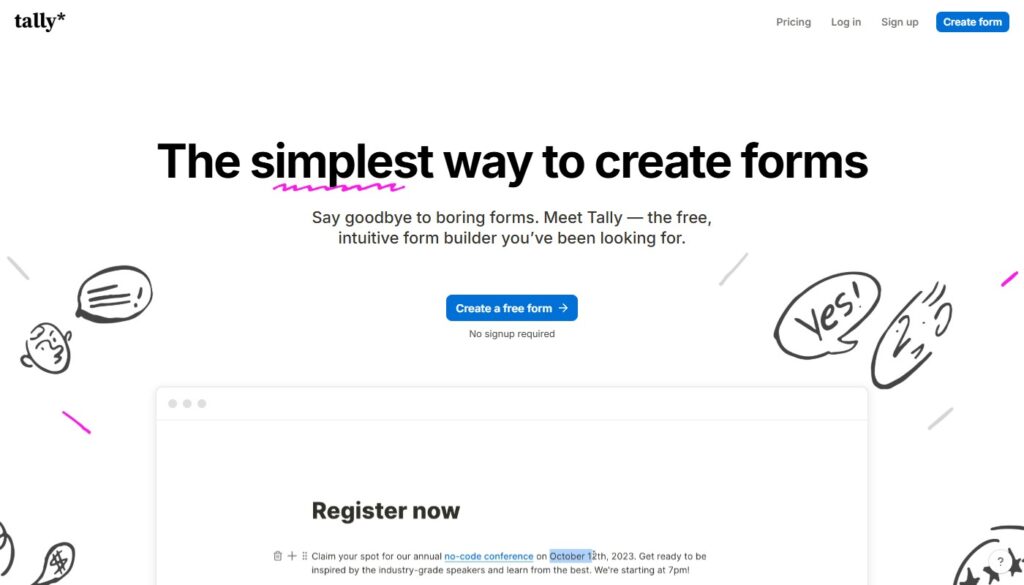
Best free form builder. Clean, minimal, surprisingly capable.
Tally is a relatively new entry in the form builder space that has rapidly built a loyal following by doing something unusual: offering a genuinely powerful free plan without submission limits, response limits, or feature walls. The interface is clean and minimal – a block-based editor similar to Notion’s design philosophy – and the forms it produces are clean and professional.
The feature set covers conditional logic, file uploads, hidden fields, calculated fields, payment collection (Stripe), and a library of question types sufficient for most standard use cases. Zapier integration connects it to hundreds of downstream tools.
For individuals, small businesses, and early-stage projects that need more than a basic contact form but aren’t ready for a paid plan, Tally’s free tier is the most honest starting offer in the category. No branding overlays, no response caps, no “upgrade to remove the watermark.”
- Price: Free (unlimited forms and responses); Tally Pro from $29/mo
- Best for: Individuals, startups, small businesses wanting a capable free solution
- Pros: Genuinely unlimited free plan, clean interface, conditional logic and calculations included free, no branding
- Cons: Fewer integrations than established platforms; younger product with less documentation
5 – Involve.me

Best for interactive funnels. Forms that score, segment, and route in real time.
Involve.me occupies a distinct niche at the intersection of form builder, quiz platform, and lead scoring tool. Where standard forms collect inputs and pass them to you, Involve.me processes responses in real time – scoring them, routing visitors to different outcomes, and triggering different follow-up actions based on what they told you.
The use cases this enables are genuinely sophisticated: a “find the right service for you” quiz that routes visitors to different service pages based on their answers; a lead scoring form that tags high-intent prospects and immediately notifies your sales team; a personality quiz that segments subscribers into different email sequences based on their result. These are marketing automation capabilities delivered through an interactive front-end experience.
For businesses with defined customer segments and different offerings for different audiences, Involve.me’s routing and scoring logic produces lead data that’s far more actionable than a standard form submission.
- Price: Free plan (100 responses/mo); paid from $29/mo
- Best for: Marketing teams, coaches, SaaS companies, businesses with multiple audience segments
- Pros: Real-time lead scoring, conditional routing, outcome personalization, quiz and survey formats
- Cons: More complex to set up than basic form builders; pricing increases with response volume
The Right Tool for Each Use Case
| Use Case | Best Tool |
| Polished forms with payment collection | Paperform |
| WordPress with complex data display | Formidable Forms |
| Interactive pricing or quote calculator | Ucalc |
| Free, capable general forms | Tally |
| Segmentation, routing, lead scoring | Involve.me |