
Building a website is the starting point. Getting traffic to it – via SEO and social – is the middle. But the part most small businesses handle worst is what happens when that traffic actually arrives. No email capture. No nurturing system. No audience research to understand what those visitors actually want. The website becomes a brochure that ranks, rather than a machine that compounds.
The five tools in this guide address that gap. Each one covers a distinct function in the marketing stack, and each has been chosen because it performs at a price point that makes sense for small businesses rather than enterprise marketing departments.
Before investing in marketing tools, make sure your traffic foundation is solid. The 5 SEO Tools guide covers the organic side, and the Top 5 Form & Calculator Tools guide covers lead capture – both feed into the systems below.
The Stack This Guide Covers
| Function | What It Solves |
| Email marketing | Convert traffic into owned audience relationships |
| Marketing automation | Personalize outreach without manual effort |
| Audience research | Build products and content people actually want |
| Social media management | Maintain visibility without daily time investment |
| All-in-one marketing | Consolidate tools for growing teams |
1 – GetResponse
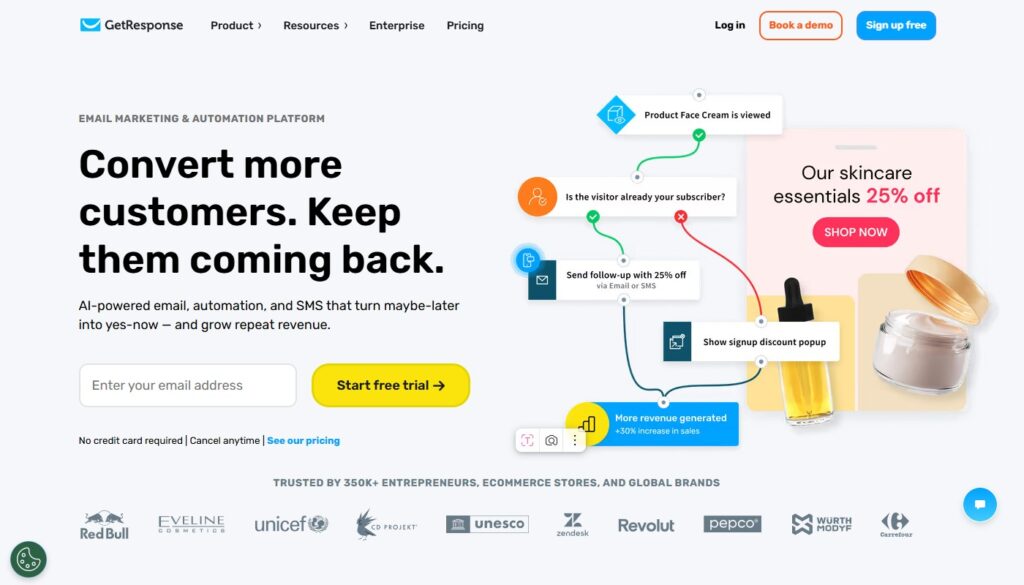
Best all-in-one marketing platform for small businesses. Email, automation, landing pages, and webinars in one.
GetResponse has evolved from a straightforward email marketing platform into one of the most complete small-business marketing suites available at its price point. Email marketing, visual automation workflows, landing page builder, signup form creator, website builder (basic), webinar hosting, and paid ad management – all in a single subscription without requiring a separate tool for each function.
The email builder is among the best in the category: a flexible drag-and-drop editor with a template library that actually covers a range of industries, a deliverability reputation that competes with larger platforms, and A/B testing available on standard plans. The automation builder uses a visual flowchart interface that makes complex conditional sequences understandable – significantly more accessible than platforms that bury automation in nested settings menus.
The webinar feature is a genuine differentiator. For coaches, consultants, course creators, and B2B businesses that use webinars as a lead generation or sales channel, having webinar hosting bundled into the same platform that manages registration, follow-up emails, and attendee tagging eliminates a meaningful integration overhead.
Pricing is competitive across all tiers, and the feature-to-price ratio at the Basic level is better than Mailchimp or ConvertKit for users who actually use the automation and landing page features.
- Price: Free plan (up to 500 contacts); paid from $19/mo (Email Marketing); $59/mo (Marketing Automation)
- Best for: Small businesses, coaches, consultants, course creators, businesses using webinars for lead gen
- Pros: Most complete feature set at its price, good email deliverability, webinar hosting included, visual automation builder
- Cons: Interface can feel slightly dated in places; landing page builder less polished than dedicated tools
2 – Brevo (formerly Sendinblue)
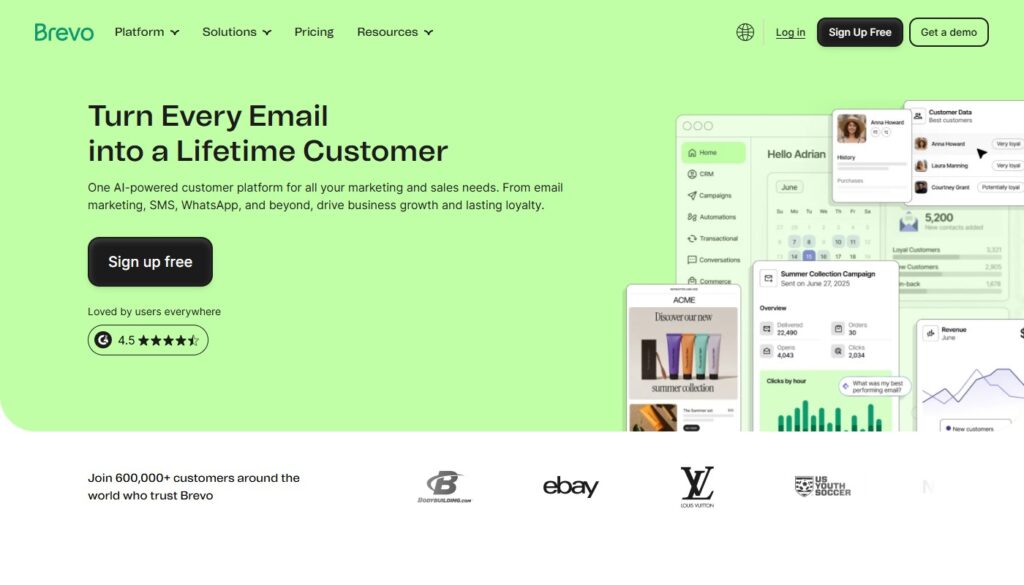
Best value for email + SMS. Pricing by sends, not by contacts – a genuine advantage for growing lists.
Brevo’s pricing model is the first thing that distinguishes it from most email marketing platforms: you’re billed based on emails sent per month, not the total number of contacts in your database. For businesses with large lists where only a fraction of contacts receive each campaign, this translates to significantly lower costs than contact-based pricing.
The email and SMS marketing capabilities are strong. Transactional email (order confirmations, password resets, account notifications) can be handled through the same account as marketing emails, which is useful for e-commerce and SaaS businesses that would otherwise need a separate transactional email service. The CRM is basic but functional – contacts can be managed, scored, and segmented without a separate CRM subscription.
The automation builder handles standard email sequences, behavioral triggers, and multi-channel flows (email + SMS combined) competently. The interface is clean and straightforward to navigate. For businesses building a large contact base or needing transactional email alongside marketing campaigns, Brevo’s pricing structure frequently comes out ahead of alternatives.
- Price: Free (300 emails/day); Starter from $25/mo; Business from $65/mo
- Best for: Businesses with large contact lists, e-commerce needing transactional email, multi-channel email + SMS campaigns
- Pros: Contact-count-free pricing, strong transactional email, SMS + email in one platform, solid deliverability
- Cons: Automation on lower tiers is more limited; CRM features are basic; free plan has daily send cap
📌 Using Brevo alongside a calculator tool? The Top 5 Form & Calculator Tools guide shows how Ucalc captures emails that feed directly into Brevo sequences.
3 – SurveyNinja
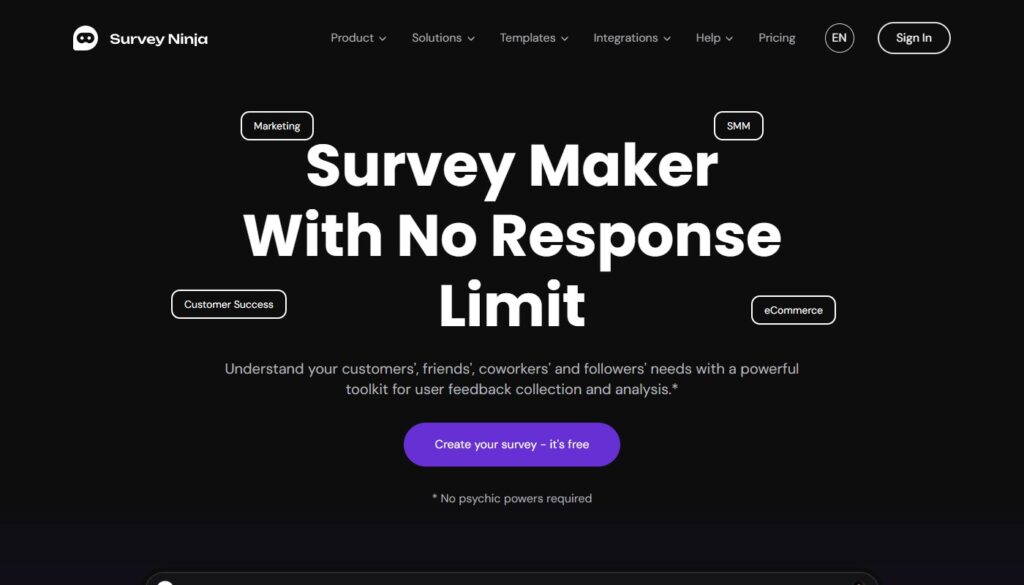
The most underused tool in small business marketing. Audience research that actually informs decisions.
The problem with most content strategies, product roadmaps, and marketing plans is that they’re built on what the business owner thinks their audience wants – not what the audience has actually said it wants. SurveyNinja is the fastest, most accessible way to close that gap.
The platform lets you build, distribute, and analyze surveys through a clean interface that respondents actually engage with rather than abandon. The question type library covers everything from multiple choice and rating scales to open-ended responses, matrix grids, ranking questions, and conditional logic that routes respondents through different question paths based on previous answers. The results dashboard presents data visually with charts and breakdowns that don’t require a data analyst to interpret.
What I consistently recommend SurveyNinja for:
Pre-launch validation. Before writing a new content series, building a digital product, or launching a service tier, a five-question survey to your existing audience takes twenty minutes to build and can save months of misdirected effort. The answers tell you whether the problem you’re solving is real and urgent, or assumed and theoretical.
Email segmentation. Send a SurveyNinja survey to your list, then use the responses to segment contacts in your email platform – tagging them based on stated preferences, goals, or challenges. The segments you create from real survey responses produce dramatically higher open and click rates than demographic or behavioral segments alone.
Quarterly reader/customer check-ins. Systematic audience research doesn’t need to be complex. A brief quarterly survey asking what questions people have, what they’re struggling with, and what would be most useful creates a continuously updated picture of your audience that informs every content and product decision.
SurveyNinja surveys embed directly into web pages, making them usable as on-site engagement tools rather than just email attachments. The embed renders cleanly on mobile without additional configuration.
- Price: Free plan available; paid from $19/mo
- Best for: Content marketers, product teams, coaches, any business that makes decisions based on audience data
- Pros: Fast survey creation, broad question type library, clean results dashboard, page embeds, affordable
- Cons: Fewer native integrations than enterprise platforms; less recognized than SurveyMonkey in procurement processes
Combine SurveyNinja audience data with the lead capture tools in the Top 5 Form & Calculator Tools guide for a complete understanding of who’s visiting your site and what they need.
4 – Later
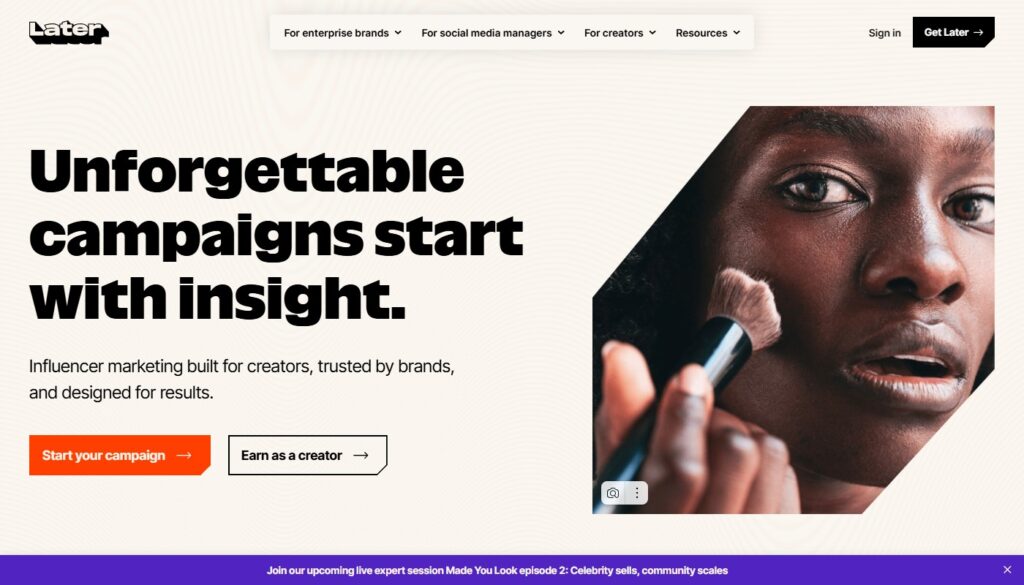
Best for visual social media scheduling. Essential for Instagram and TikTok-driven brands.
Buffer and Hootsuite dominate most “best social media tools” lists by virtue of longevity. Later earned its place on this list by being meaningfully better for the social media reality most small businesses actually operate in: visually driven feeds on Instagram, TikTok, and Pinterest, where the aesthetic of your grid, the quality of your video thumbnails, and the visual consistency of your content matter as much as the copy.
Later’s grid preview lets you visualize exactly how scheduled posts will appear on your Instagram profile before publishing – a feature that sounds minor until you’re managing a brand where visual feed coherence is a business priority. The media library organizes your photos, videos, and graphics in a central asset manager, making it fast to find and reuse content across platforms.
The link-in-bio tool (Linkin.bio) creates a shoppable landing page from your Instagram feed, converting profile visitors into website visitors without requiring a separate tool. Story scheduling, auto-publishing (no notification required), hashtag suggestions, and best-time-to-post analytics complete a platform that’s been genuinely built for the visual social media era rather than adapted from a text-first scheduling tool.
- Price: Free plan (30 posts/channel/month); paid from $25/mo
- Best for: Brands driven by Instagram, TikTok, Pinterest; visual content creators; e-commerce with strong social presence
- Pros: Best Instagram/TikTok workflow, visual grid preview, media library, Linkin.bio, intuitive interface
- Cons: Less suitable for text-first social channels (LinkedIn, Twitter); team features limited on lower plans
5 – HubSpot Marketing Hub (Free/Starter)
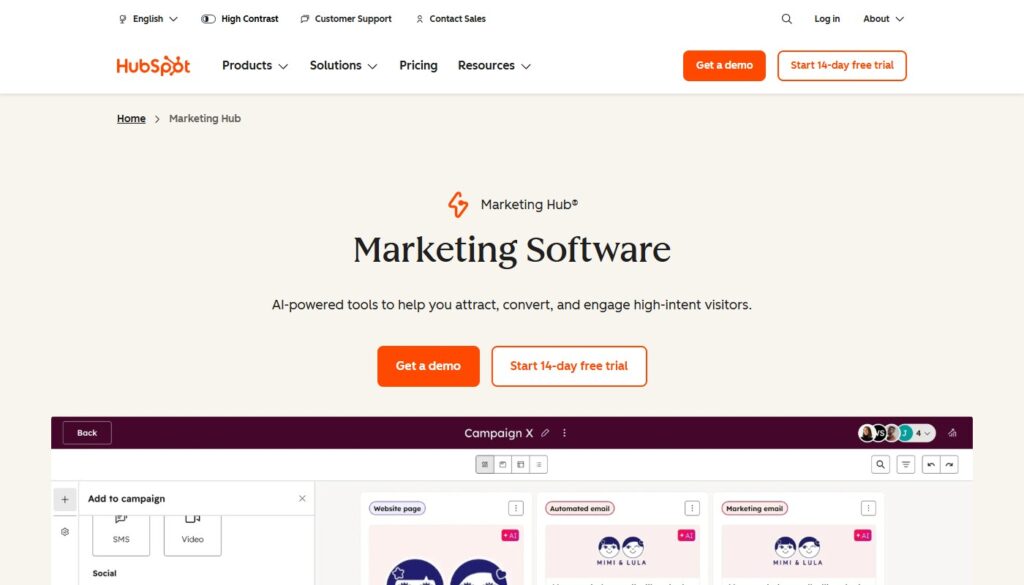
Best gateway to a full marketing platform. Free tier is genuinely useful, not a stripped demo.
HubSpot’s free tier is one of the most strategically generous offers in software marketing: it provides functional CRM, email marketing (up to 2,000 sends/month), form builder, landing page builder, live chat, and basic automation – genuinely useful tools, not crippled demos designed to frustrate you into upgrading.
For small businesses that are starting to think seriously about marketing operations – tracking which leads came from which source, managing follow-up sequences, building a central contact database – HubSpot’s free tools provide the infrastructure without the cost. The CRM in particular is better than any free alternative: contacts, companies, deals, and activity logs organized in a clean, searchable interface.
The scaling path is real. As your needs grow, HubSpot’s Starter and Professional tiers add automation depth, custom reporting, and additional channels. The trade-off is that the paid tiers become expensive quickly – HubSpot is not a budget platform at scale. But for businesses in the early stages of building marketing infrastructure, the free tier provides genuine capability for zero upfront investment.
- Price: Free (substantial); Starter from $20/mo; Professional from $890/mo
- Best for: Growing small businesses wanting marketing + CRM in one system, teams beginning to systematize marketing operations
- Pros: Best free CRM in market, strong free email and form tools, excellent scaling path, unified contact database
- Cons: Paid tiers become expensive quickly; some features locked behind higher tiers earlier than competitors
Building Your Stack in Stages
| Stage | Tools | Monthly Cost |
| Just starting | SurveyNinja free + HubSpot free + Later free | $0 |
| Growing (months 3–6) | GetResponse Basic + SurveyNinja paid + Later paid | ~$60 |
| Scaling (year 2) | GetResponse automation + Brevo for transactional + SurveyNinja + Later | ~$110 |
| Full stack | GetResponse or HubSpot Starter + Brevo + SurveyNinja + Later | ~$150+ |